
Android TV OS
Bible Baseball on Google TV
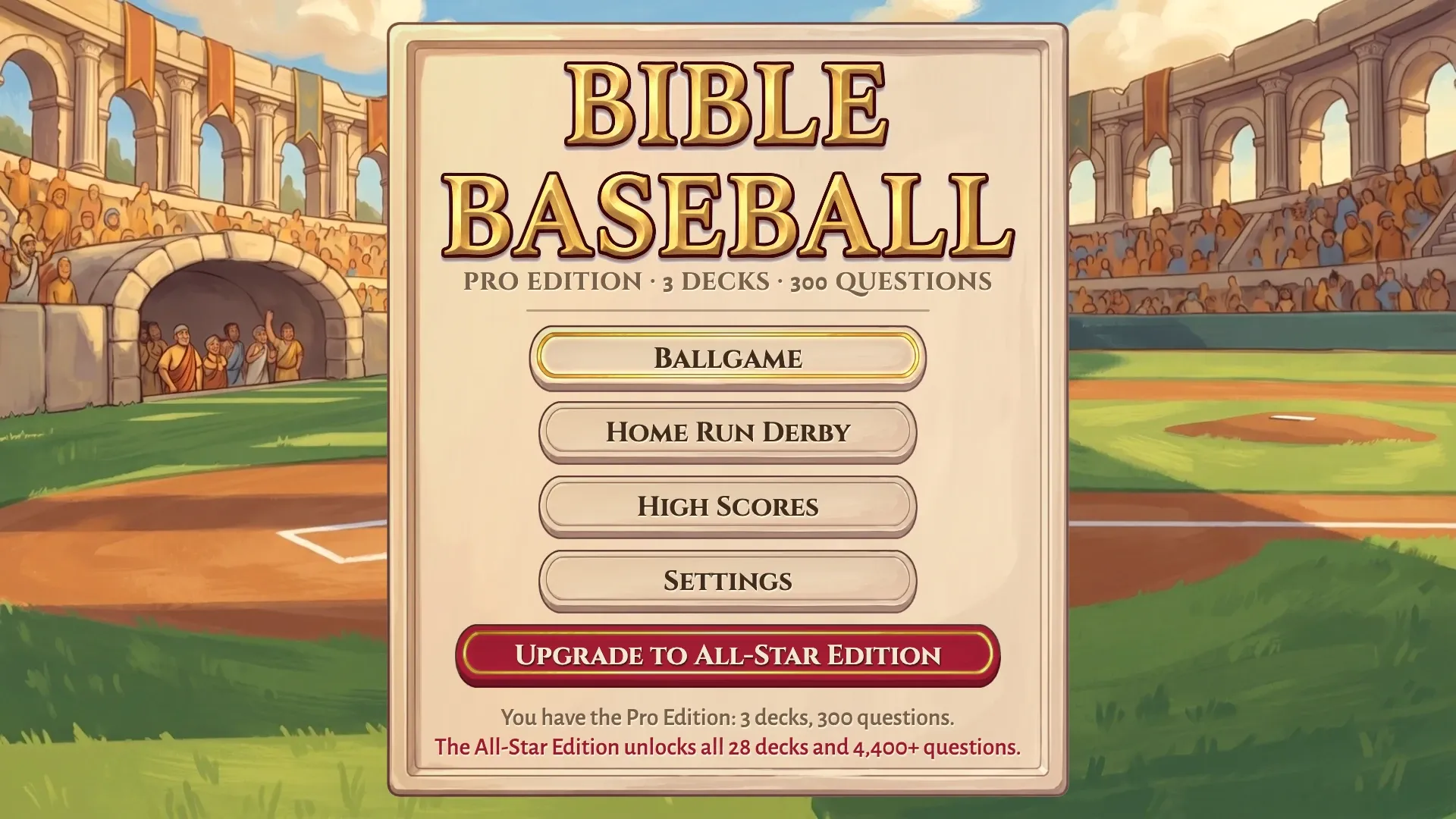
Bible Baseball is a free Bible trivia game for Google TV, on Android TV OS. Install it from Google Play on the Google TV itself in 4 steps, then play with the remote you already have.

Install it on your Google TV
- On your Google TV's home screen, go to Search, or open Apps and choose Search for apps.
- Say or type “Bible Baseball” and choose it from Moosheen Studios.
- Choose Install. It's free.
- Open it and choose Ballgame or Home Run Derby.
Or send it from your phone or computer
- Open the Bible Baseball listing on Google Play, with the Google Play badge on this page.
- Sign in with the Google account your TV uses.
- Choose Install and pick your TV from the list of devices.
- The TV downloads it the next time it's on and connected.

Bible BaseballBible Trivia, Baseball Style
Look for this icon in Google Play on your Google TV.
Playing on Google TV
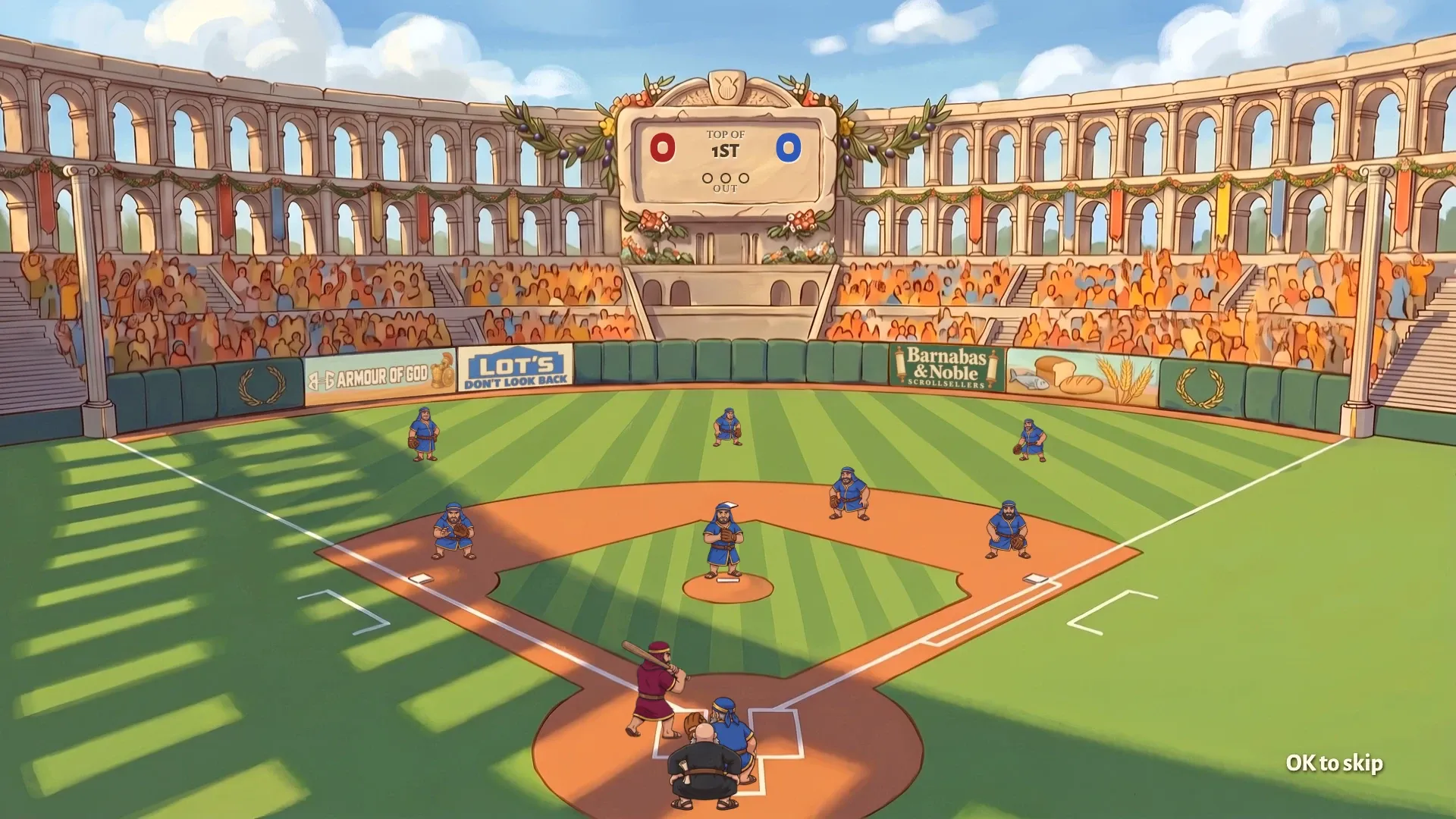
You play with the TV remote: arrows to choose, OK to select, Back to pause.
The Pro Edition is free, with 300 questions in 3 decks. To get all 28 decks and 4,400+ questions, choose Upgrade to All-Star Edition on the title screen. It's $4.99, once, through Google Play.
Already bought it? Open Settings in the game and choose Restore purchases. More help
Before game night
Read the rules, or print some questions to warm up with.

On TV, iPhone, iPad, Amazon Fire tablets, and Android phones and tablets available now
 Apple TV, iPhone, and iPad
 Amazon Fire TV and Amazon Fire tablets
 Google TV and Android phones and tablets